Ktadd's Personal Website
  • Home
  • OWB Hotlist
  • Digital Signals
  • Entertainment
  • Video/Audio Sites
  • Ktadd's Software Page
  • Amiga Hotlist
  • Amiga Development
  • ffmpeg Cheat Sheet
  • World Clock
  • Amiga NG Blog

AmigaOne A1222 Plus Arrived Today

4/21/2024

8 Comments

 
Picture
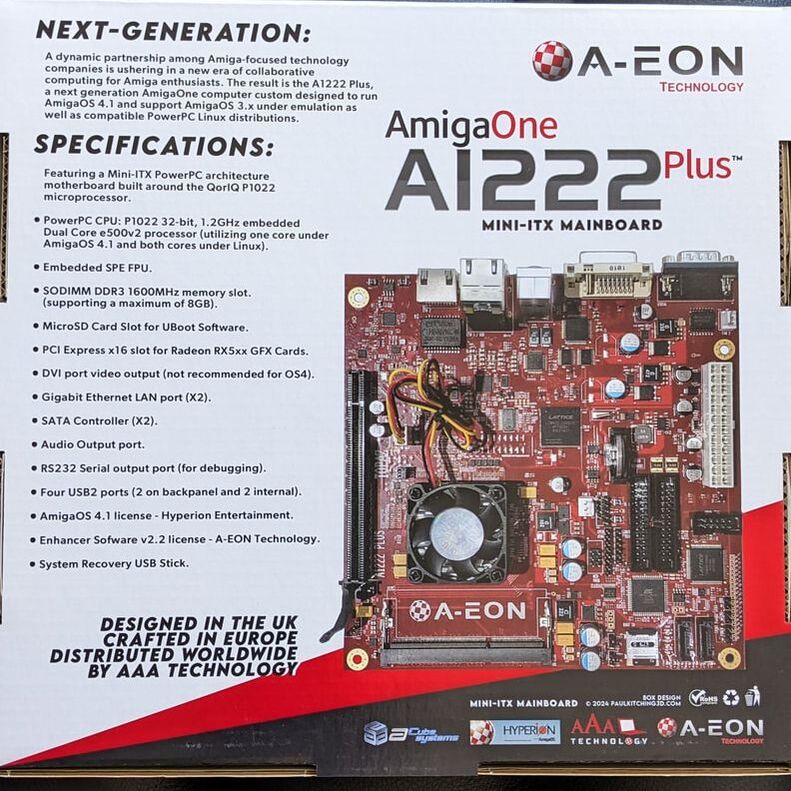
Back of the box the A1222+ is packaged in shows a nice picture of the motherboard and list the specifications.
Picture
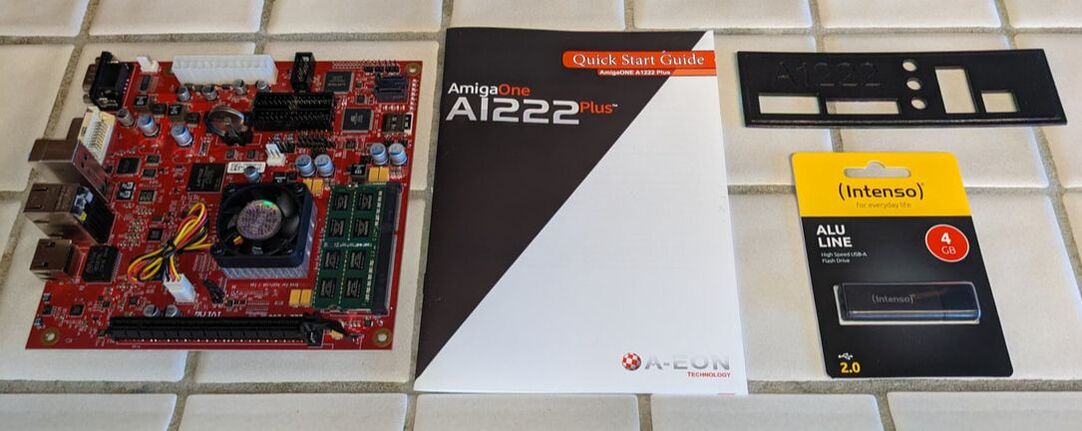
Included in the box is the A1222+ motherboard, quick start users guide, backplane and OS4 Emergency boot USB drive.


Build Components Used
Picture
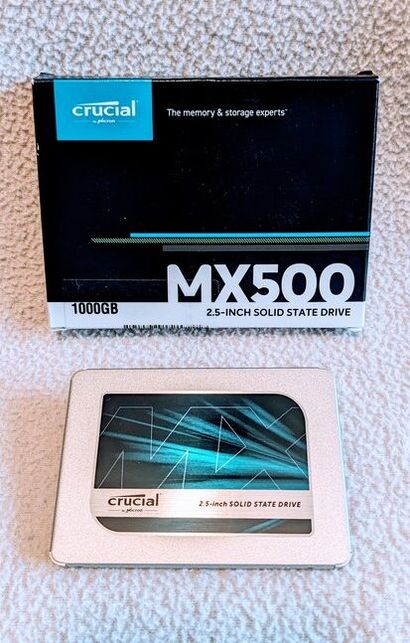
Crucial MX500 1TB SSD Drive
Picture
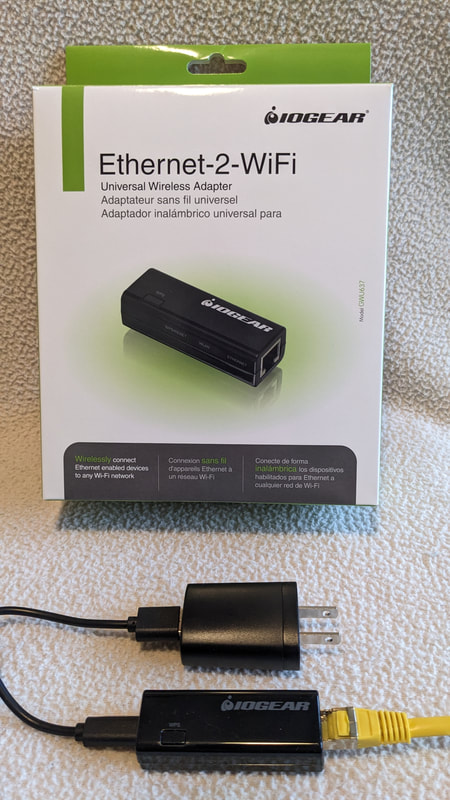
IOGEAR Ethernet-2-WiFi adapter to support wireless connections to internet. Powered by Power Strip.
Picture
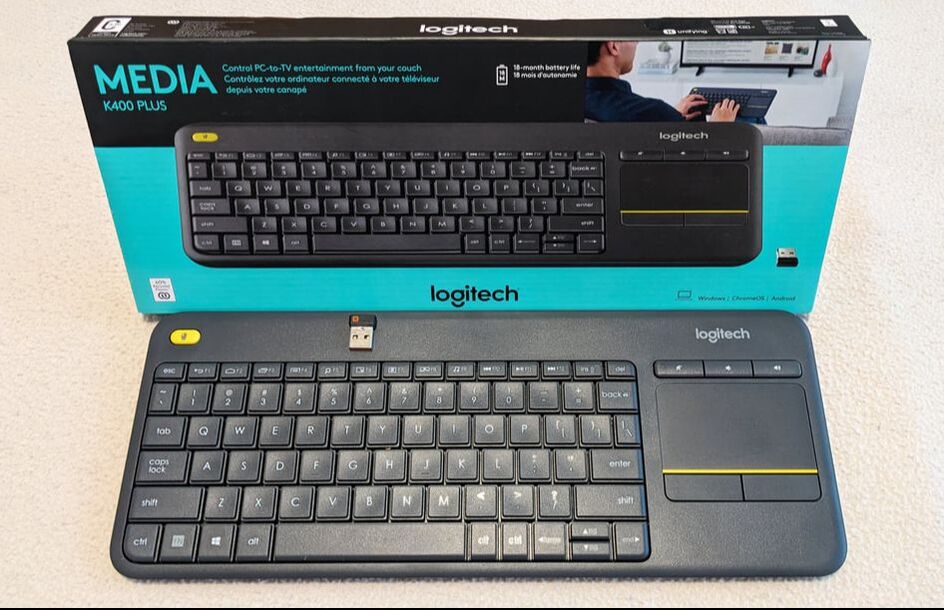
Logitech K400 Plus Keyboard with Media keys and touchpad.
Picture
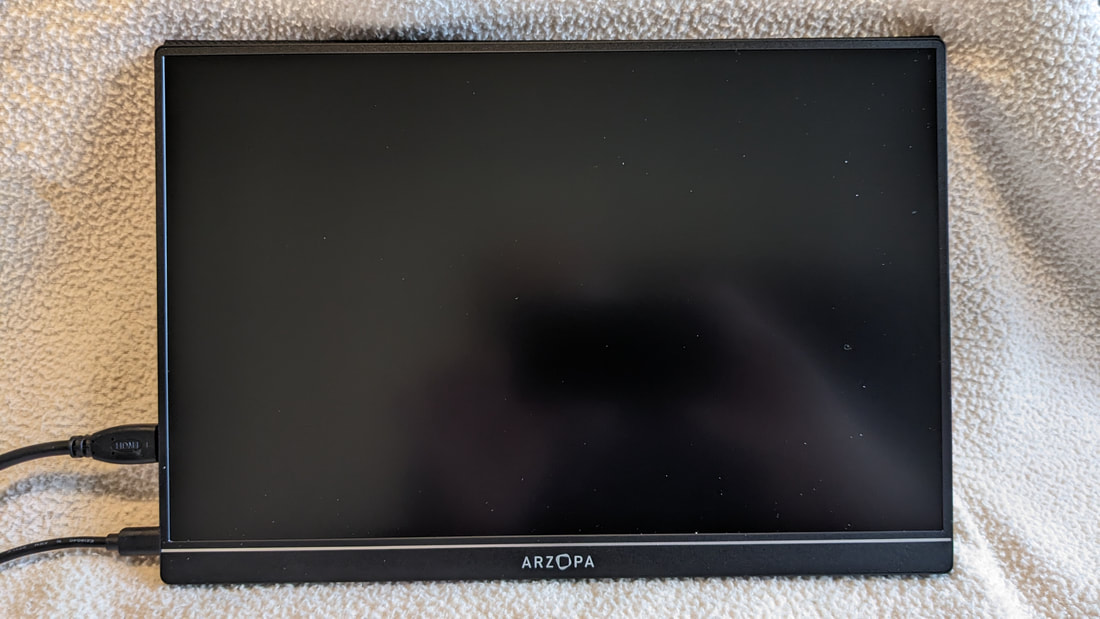
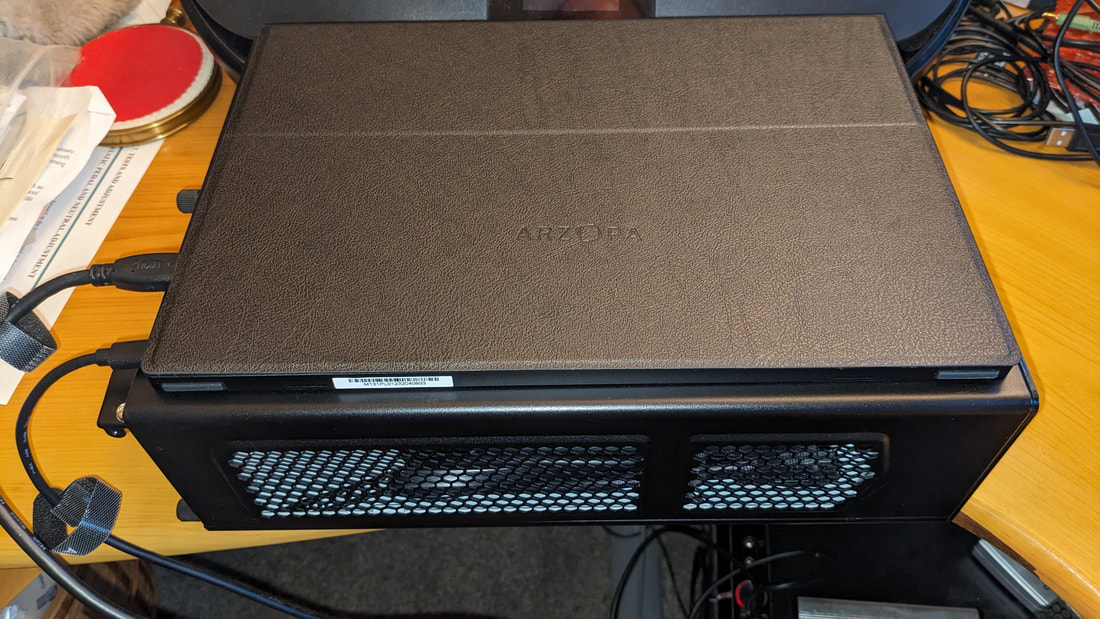
ARZOPA GAMUT MINI 2K 13.3" Portable Monitor powered by USB-C port of power strip.
Picture
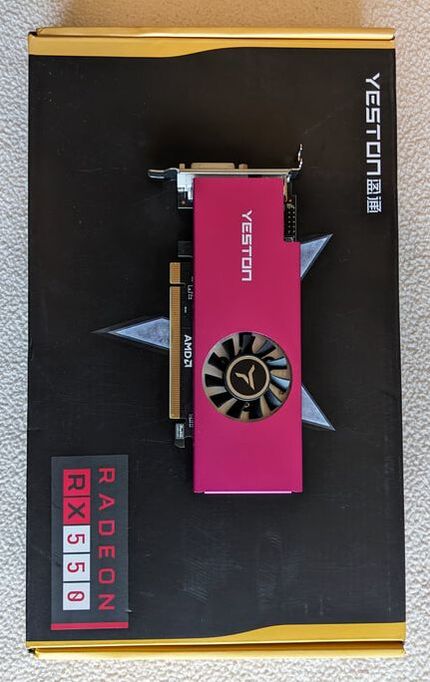
Yeston Radeon RX550 low profile graphics card.
Picture
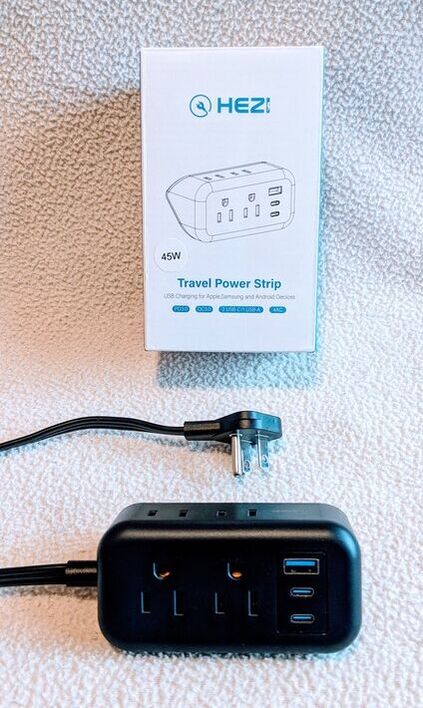
HEZI 45Watt Power Strip with 4 AC outlets, 2 USB-C and 1 USB-A outputs for powering devices.
Picture
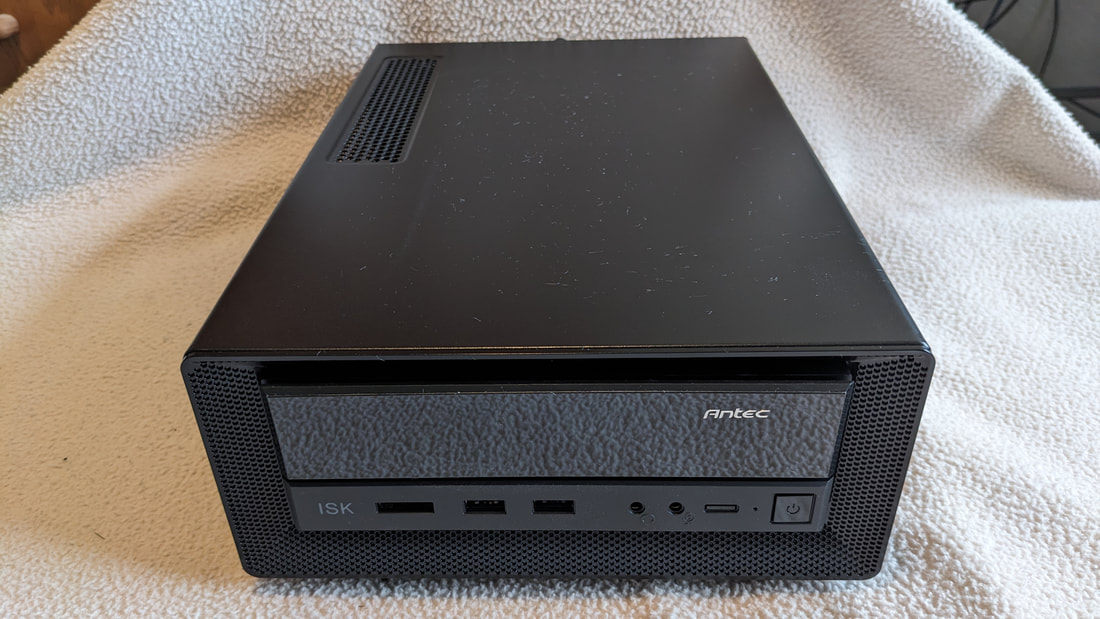
Antech ISK300-150 Mini-ITX case. 150W power supply. 80mm tri-speed fan. 3.8"(H) x 8.7"(W) x 12.9"(D). 2 USB, 1 eSATA, Aud In/Out ports. 1 External 5.25" slim drive bay. 2 Internal 2.5" drive bays.
Picture
When monitor case is closed the monitors magnetic case sticks to Antech case.

The Build

Picture
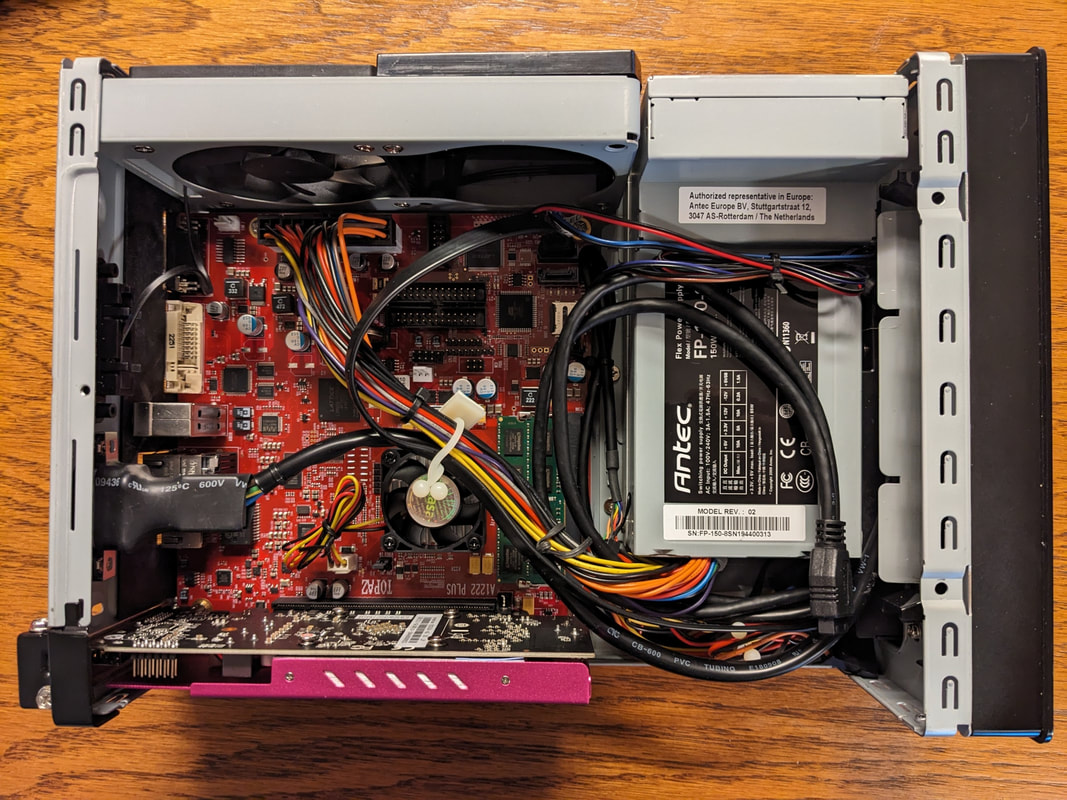
Motherboard with 8G RAM, Graphics card installed. Case power supply, Case LED's and switches connected.
Picture
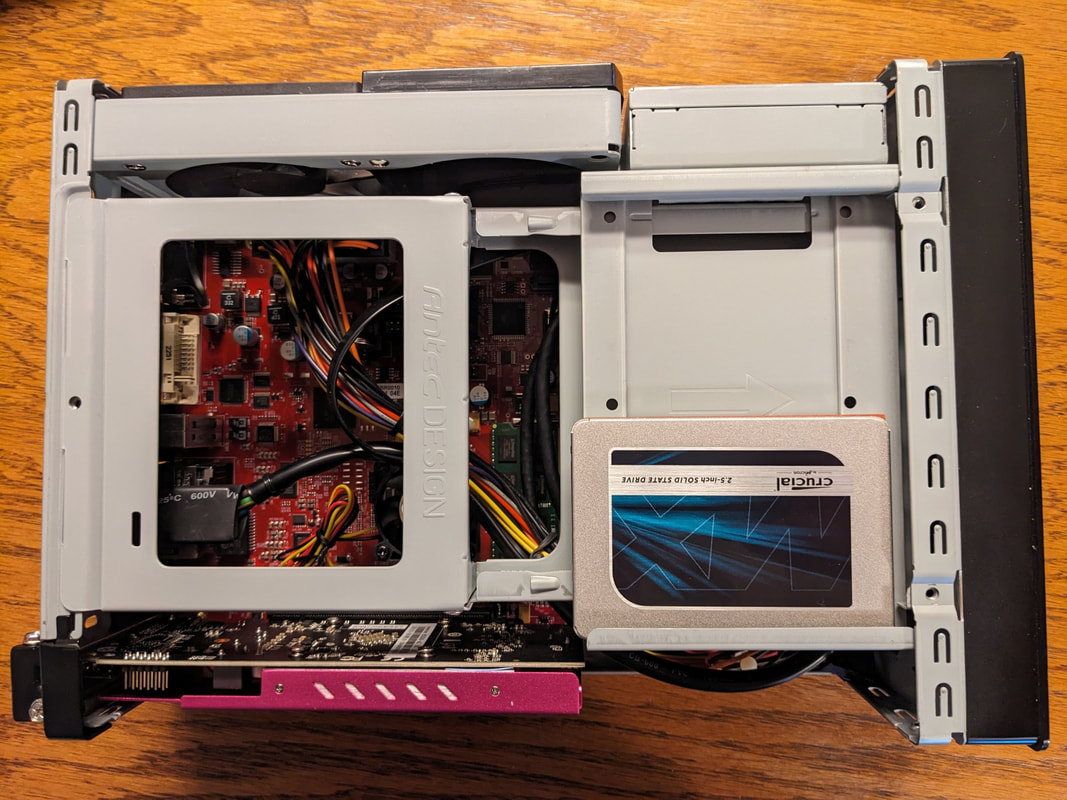
Drive bay containing SSD drive installed. Still need a SATA cable and USB2 motherboard to USB 3 cable adapter to connect front USB ports.

Fully Assembled
Picture
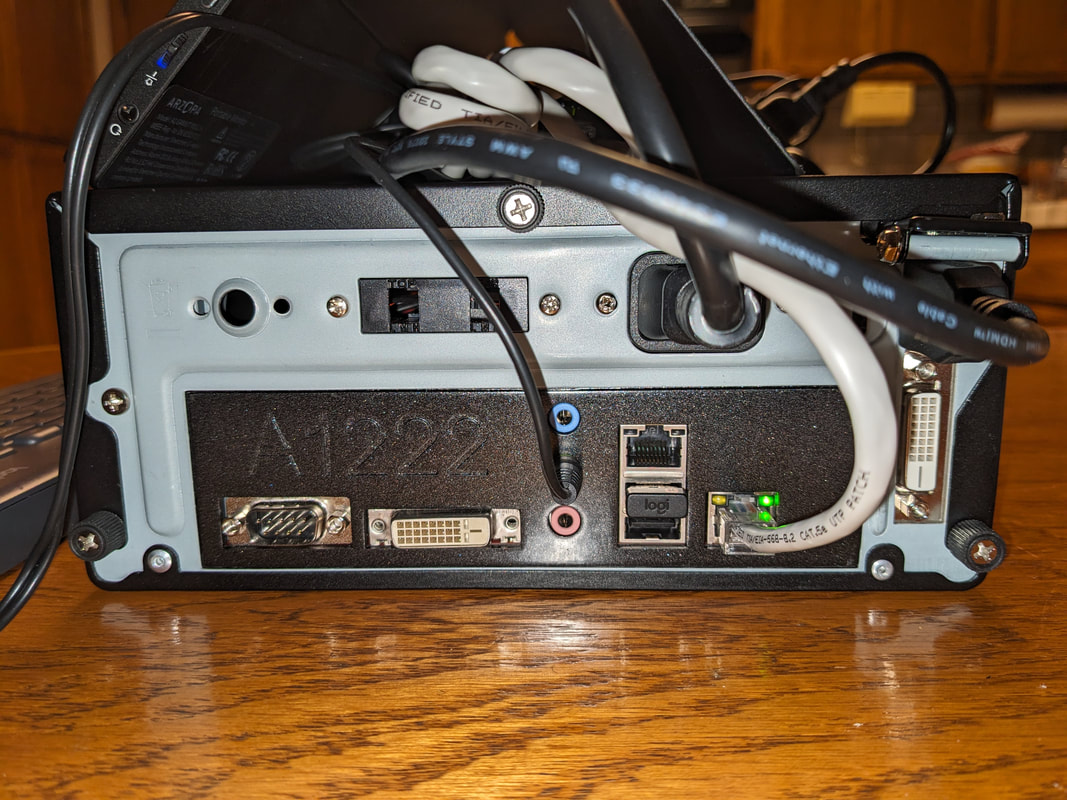
Fully assembled rear view. Audio Out connected to an external USB powered speaker. LAN connected to a wireless converter. HDMI connected to a portable display.
Picture
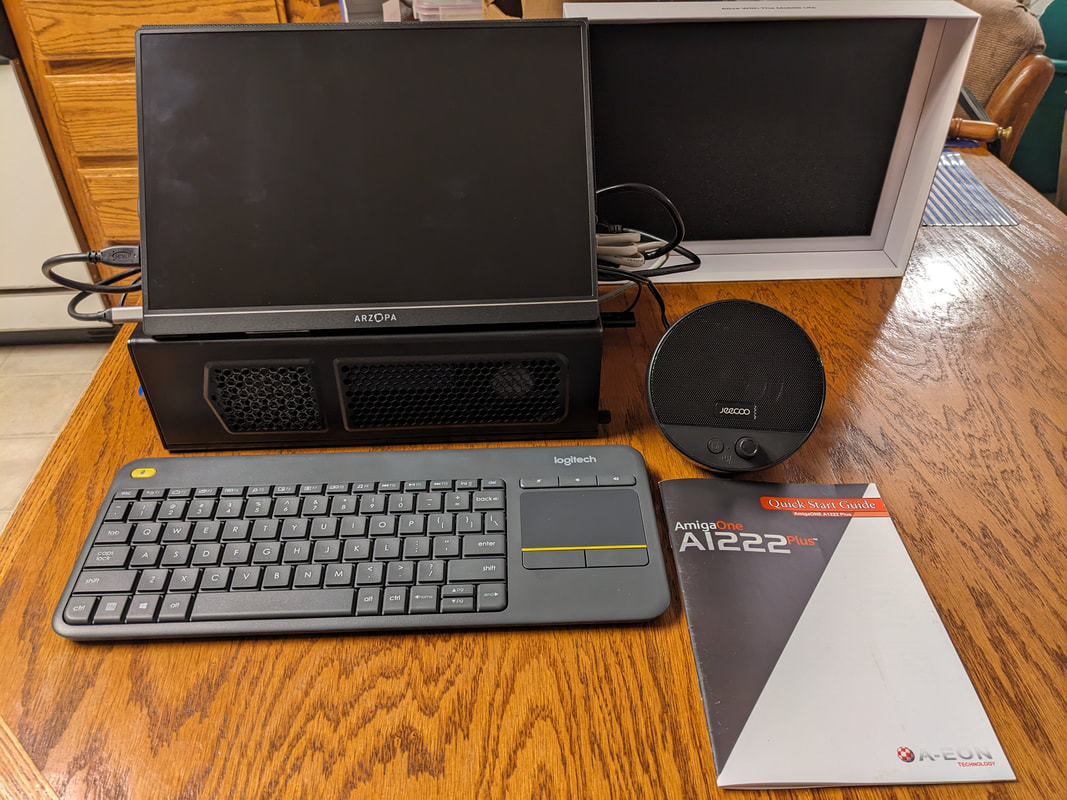
Fully assembled. Still need to buy shorter exterior cables to clean  up the look. The goal of being able to plug in one plug to run the whole system has been reached. Looks like I should be able to fit an internal speaker in the spot for a second fan.  
Picture
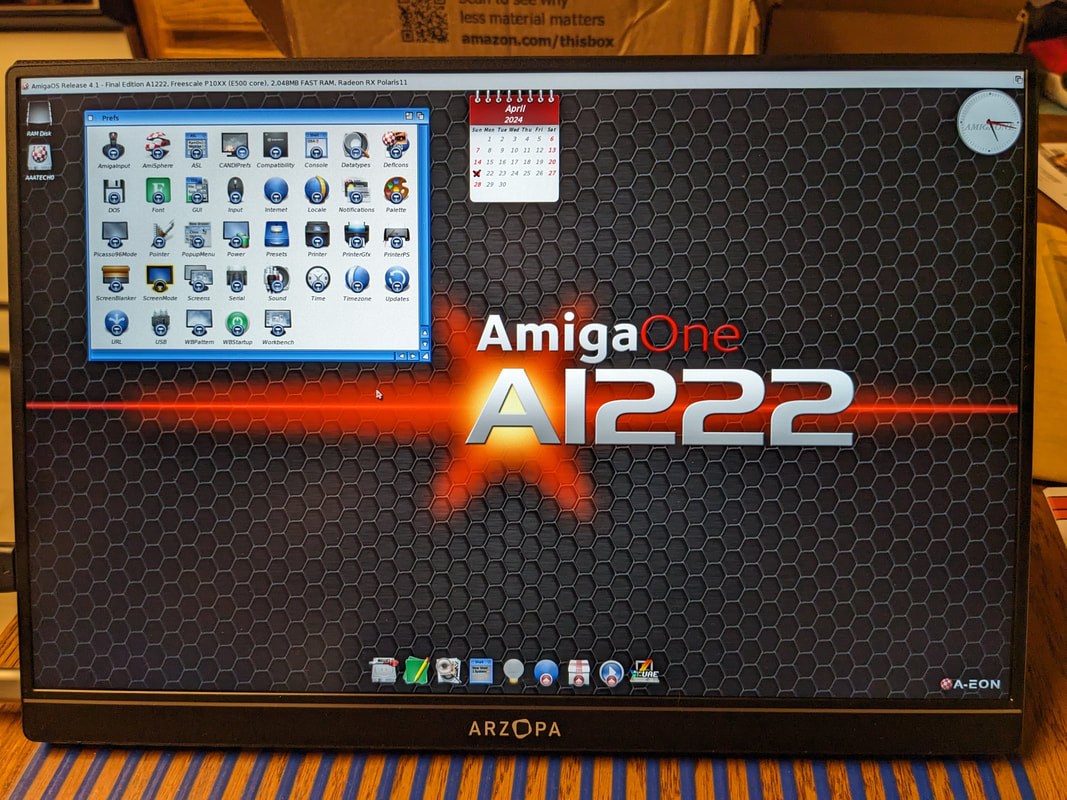
Powered and it's alive!   Still booting from USB Emergency Boot memory stick, which was supplied with the motherboard.  Next step is to install on the hard drive.

First Boot Videos

A1222 Plus First Boot Download. (1080p / 13MB)
Play on Google Drive (1080p)
A1222 Plus First Boot Download (480p / 14MB)
Play on Google Drive (480p)
8 Comments
Eldee Stephens link
4/21/2024 06:41:05 am

Great to see you've got your A1222 up and running. I hope you really get a ton of enjoyment out of it. I'd love to hear in future posts how things are going and what tips you can offer new A1222 owners based on your discoveries.

Reply
Daniel Kleine-Smith
4/21/2024 08:35:05 am

Wait...? The Amiga 1222 has been released?? Then how come AmigaKit's customers haven't received notice of it yet? Where did you buy it from?

Reply
Ktadd
4/21/2024 10:44:53 am

You can buy one here: https://amigakit.fr/?lang=en
(Scroll to bottom of the page.)

Last I heard they are working on shipping the backlog from early adapters/orders. If you have already ordered one, you will receive an email when it ships. I ordered mine pretty quickly after the early adopter program first started.

Reply
AAA Technology / Amedia Computer link
4/21/2024 11:38:07 pm

Hi Daniel,
Were you part of the early adopters customers ??
If so (or even if not), please send us a mail for getting in touch with us for informations on how to get the motherboard or a complete system : [email protected]
Thanks - AAA Technology / Amedia Computer
Main A1222 distributor for whole world ;)

Reply
Lyle Hazelwood
4/21/2024 09:39:19 am

Nice!
I like your choice of case too.

Reply
Trevor Dickinson link
4/25/2024 03:44:34 pm

Congratulations Ktadd. I hope you have fun with your A1222 Plus.

Reply
Kevin Taddeucci
4/25/2024 09:06:12 pm

Hi Trevor,
I still love my x1000 and the A1222 Plus has fulfilled my dream of being able to easily use an Amiga NG anywhere in my house and beyond. Non of this would have been possible without you. Thank you for sticking it out through all the tough times and producing some great products that keep the dream alive!

Reply
Edward Walker
4/25/2024 04:38:33 pm

Awesome, thanks for the video too. Hope to see more about your journey with using your A1222. Also may need to pick up that ethernet to wifi adapter for my X5000. I have had to relocate my desk a couple of times and it is not always convenient to get my system hardwired in.

Reply


Leave a Reply.

    Ktadd

    Amiga owner since 1985. Classic Amiga's: A500 A1000, A3000.
    NG Amiga's:
    ​UA1, X1000, A1222+

    Archives

    October 2026
    December 2024
    August 2024
    July 2024
    June 2024
    May 2024
    April 2024

    Categories

    All

    RSS Feed

Powered by Create your own unique website with customizable templates.